
How can I compress LinkedIn profile photos online?
Upload LinkedIn profile photos and start compression in the browser. This page uses normal compression by default, with target size available only when you need a specific limit.
Compress LinkedIn profile photos for LinkedIn profile updates and professional account uploads. Normal compression is enabled by default. Set a target size only when the destination platform requires one.
Target size
Set output file size
Before / After
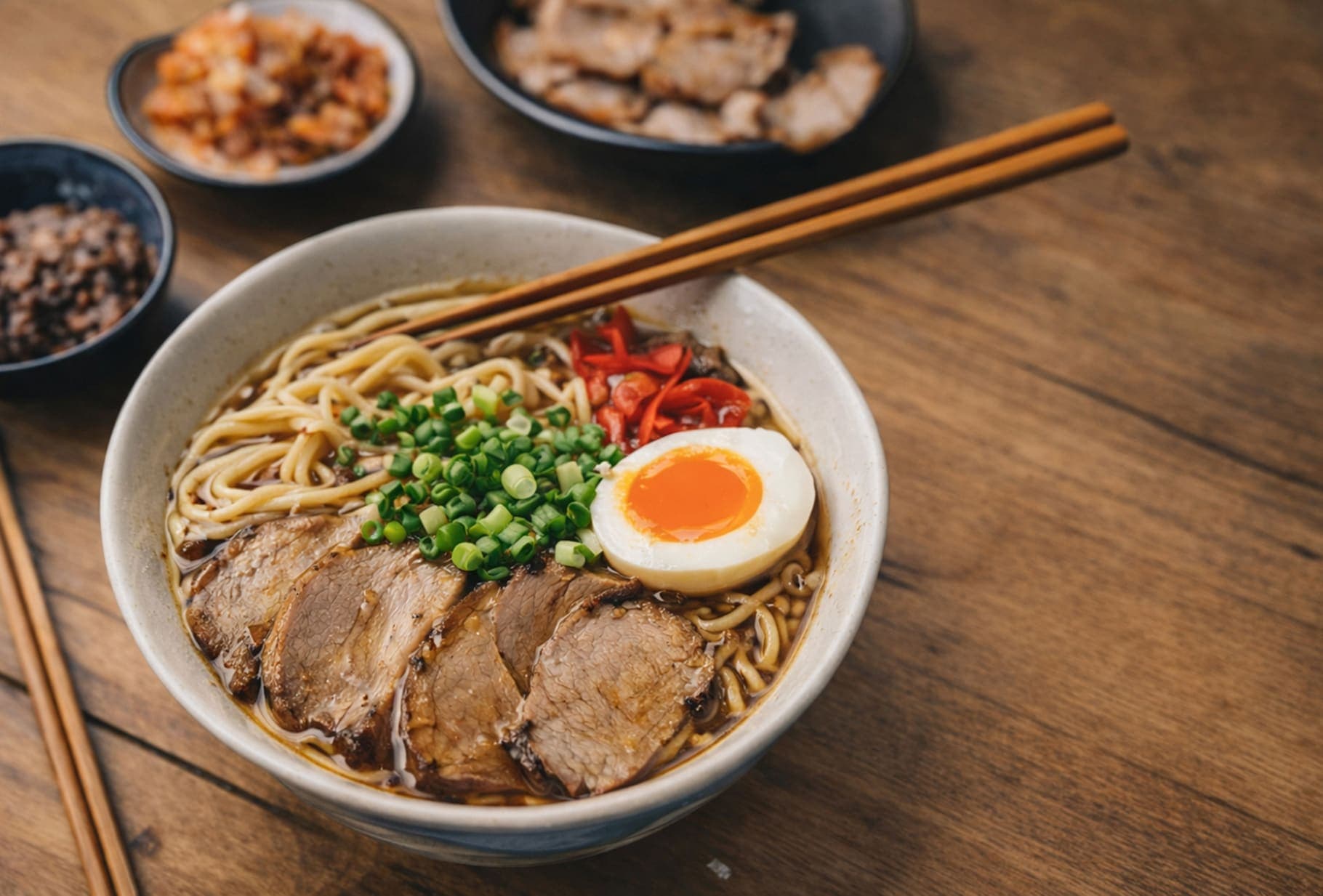
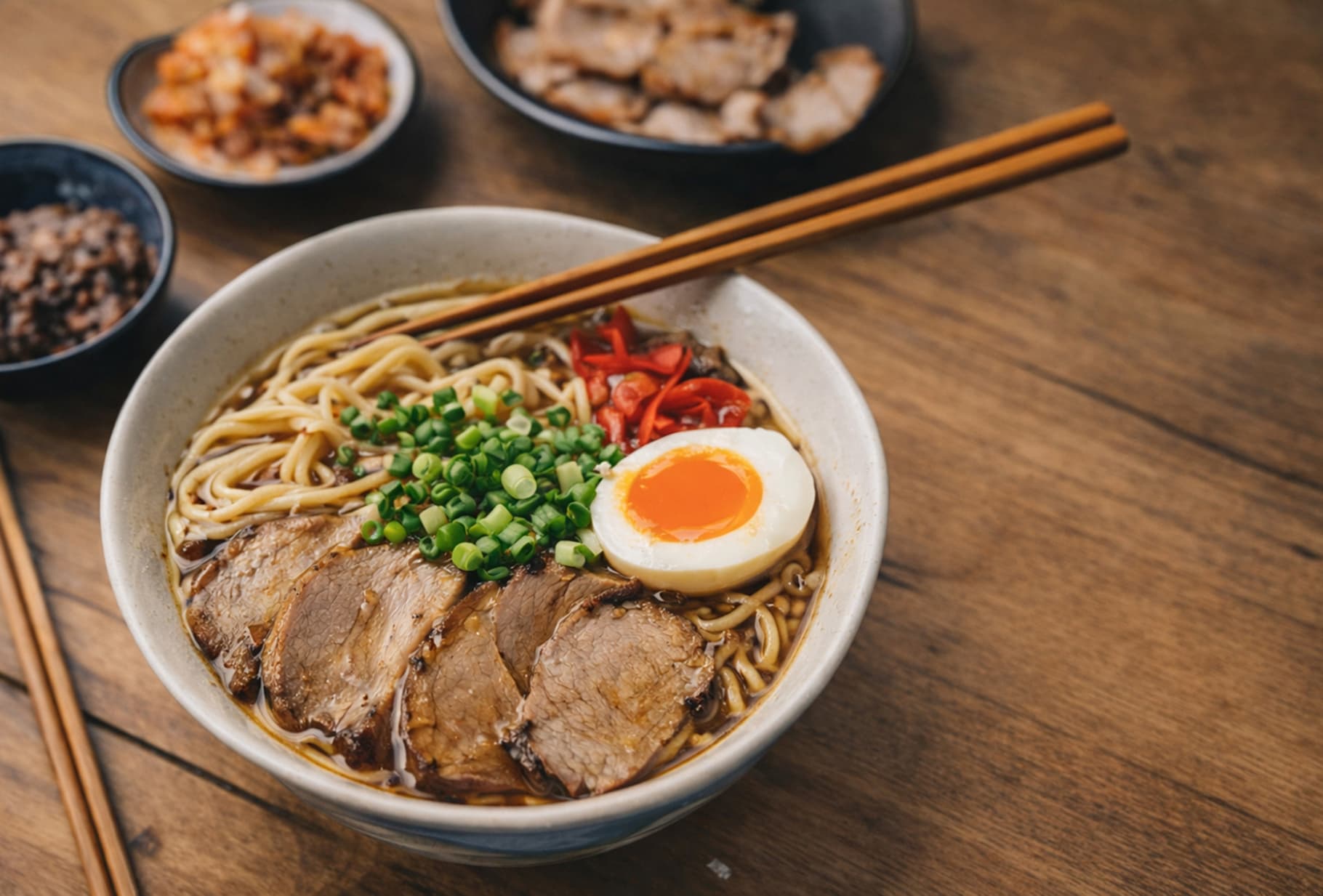
A quick visual check for detail, texture, and file-size tradeoffs. Reduced by 85% in this example.
FAQ
Upload LinkedIn profile photos and start compression in the browser. This page uses normal compression by default, with target size available only when you need a specific limit.
Not usually. Many LinkedIn profile updates and professional account uploads tasks only need a lighter file. Use a fixed target size only when the destination platform publishes a specific limit.
ForgeonX supports JPG, JPEG, PNG, WebP, and AVIF. Keep the original format unless the receiving platform asks for a specific format.
Uploaded images are used only for compression and are scheduled for deletion within 12 hours. ForgeonX does not keep them as a long-term media library.
Yes. ForgeonX supports batch compression, so you can prepare multiple files for LinkedIn profile updates and professional account uploads in one session.