
Privacy
Aapki privacy hamari sabse badi priority hai. Uploaded files sirf image compression ke liye process hoti hain aur 12 ghante ke andar automatically aur permanently delete kar di jati hain.
Image file size ko online compress kijiye, batch processing ka use kijiye, aur JPG, JPEG, PNG, WebP, AVIF ko ek hi jagah handle kijiye.
Target size
Output file size set kijiye
Before / After
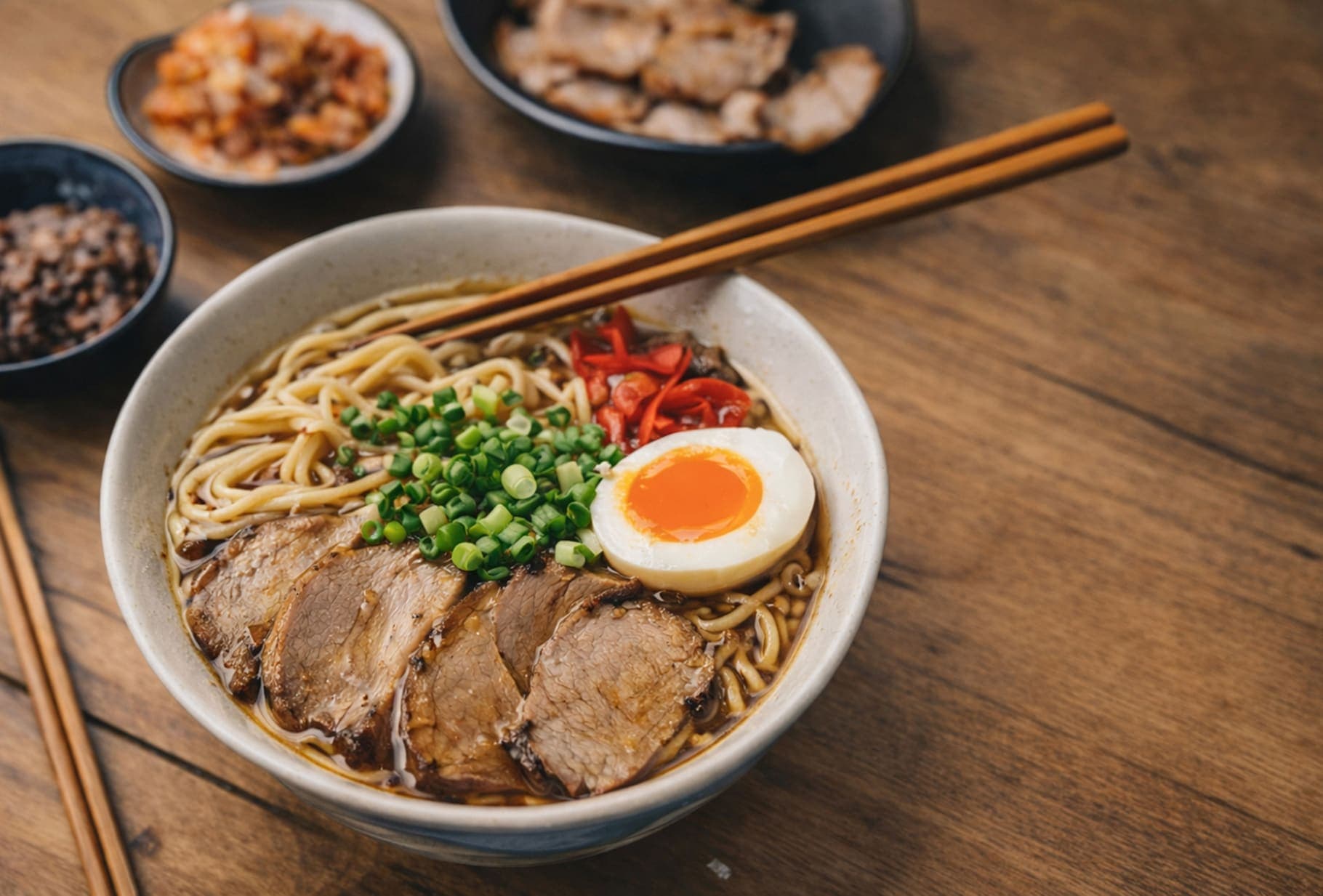
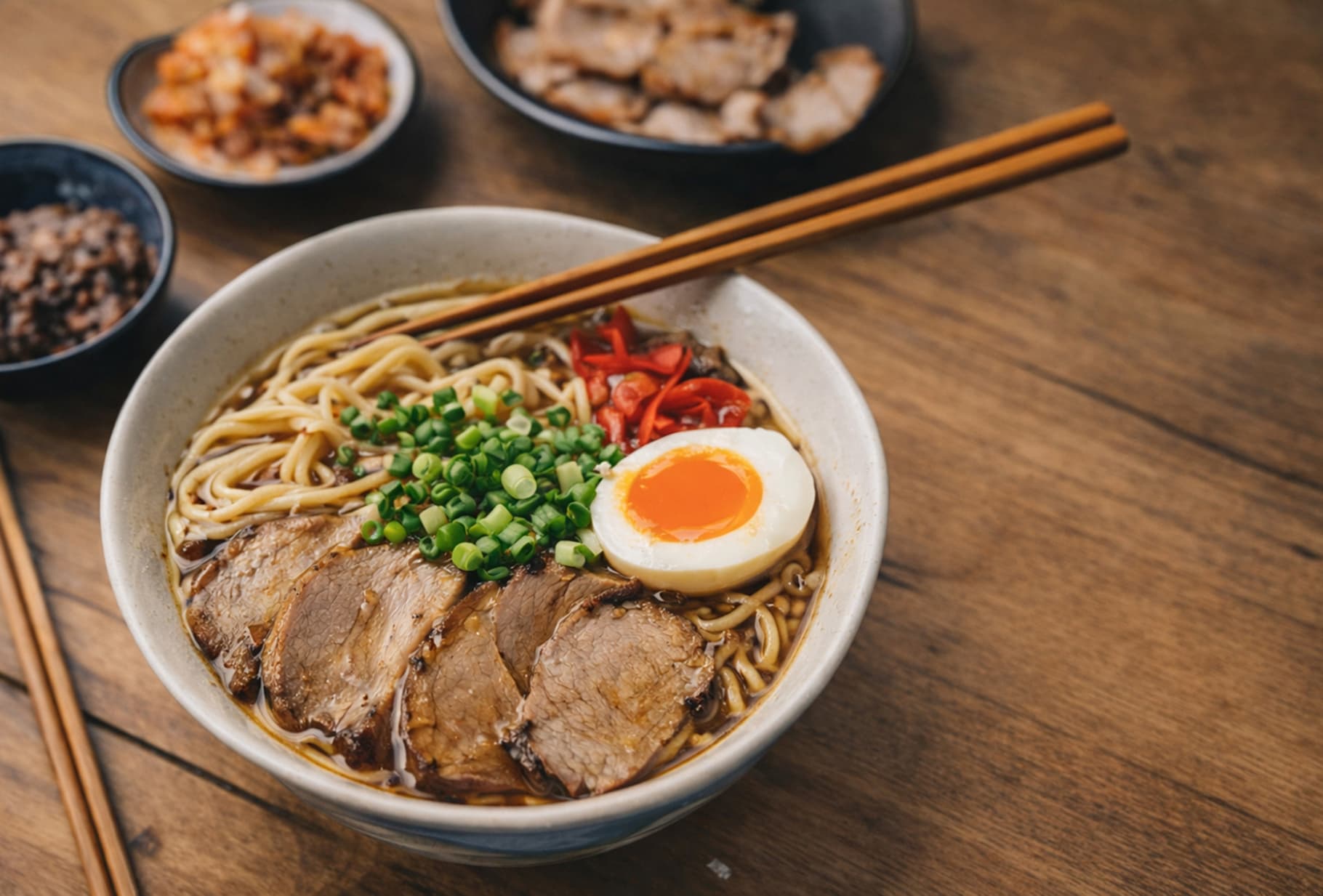
Detail, texture aur file-size balance dekhne ka ek quick visual check. Is example mein size 85% kam hua hai.
Key Features
Aapki privacy hamari sabse badi priority hai. Uploaded files sirf image compression ke liye process hoti hain aur 12 ghante ke andar automatically aur permanently delete kar di jati hain.
Batch upload aur automatic compression, processing complete hote hi one-click download ke saath, repeated steps ko kaafi kam karte hain aur overall workflow efficiency badhate hain.
Chahe aap PC, tablet ya smartphone par hon, aap ForgeonX ko seedha browser me access kar sakte hain, bina koi software download ya install kiye.
Hum jpg, jpeg, png, webp aur avif compression ko support karte hain, jo kai common image types ko process karne ke liye upyukt hai.
Processed images
4,710
Storage saved
10.2 GB
FAQ
Image compression, supported formats, target sizes aur websites ke liye ForgeonX use karne ko lekar aam sawalon ke jawab.
ForgeonX ek online image compression tool hai jo JPG, JPEG, PNG, WebP aur AVIF jaise formats ko support karte hue file size kam karne ke liye banaya gaya hai. Aap browser me seedha images upload karke compress kar sakte hain, format convert kar sakte hain ya target file size ke saath output le sakte hain. Isse website optimization, content publishing, form uploads aur daily file cleanup me madad milti hai.