
Images ko JPEG me convert kyon karun?
JPEG sabse widely accepted image formats me se ek hai. JPEG me convert karne se photos zyada devices, websites aur Instagram ya Shopify jaise platforms par compatibility errors ke bina open ho sakte hain.
Zyada compatible format chahiye? ForgeonX PNG, WebP, AVIF aur JPG ko turant high-quality JPEG output me convert karta hai, social media, forms, storage aur daily uploads ke liye useful.
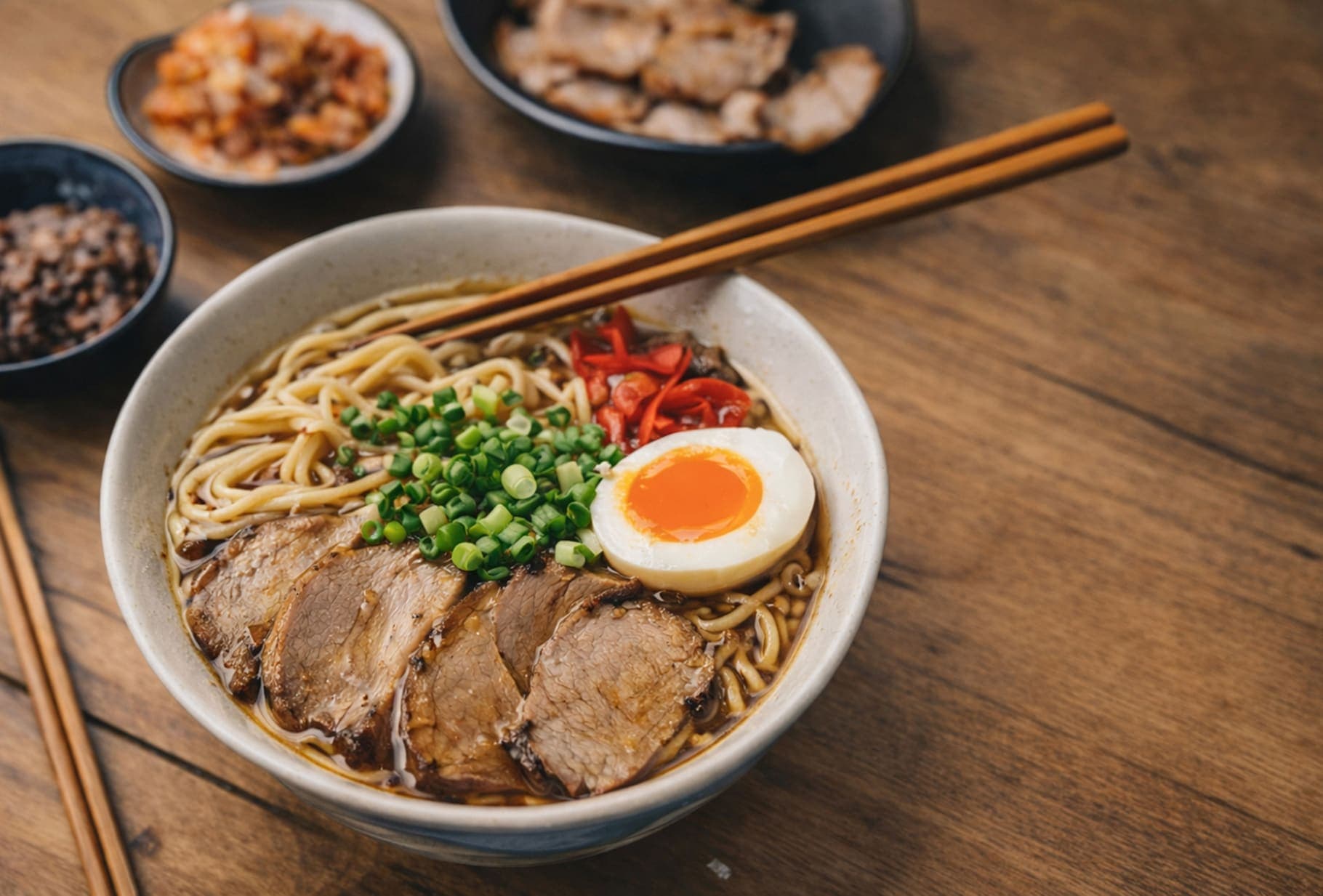
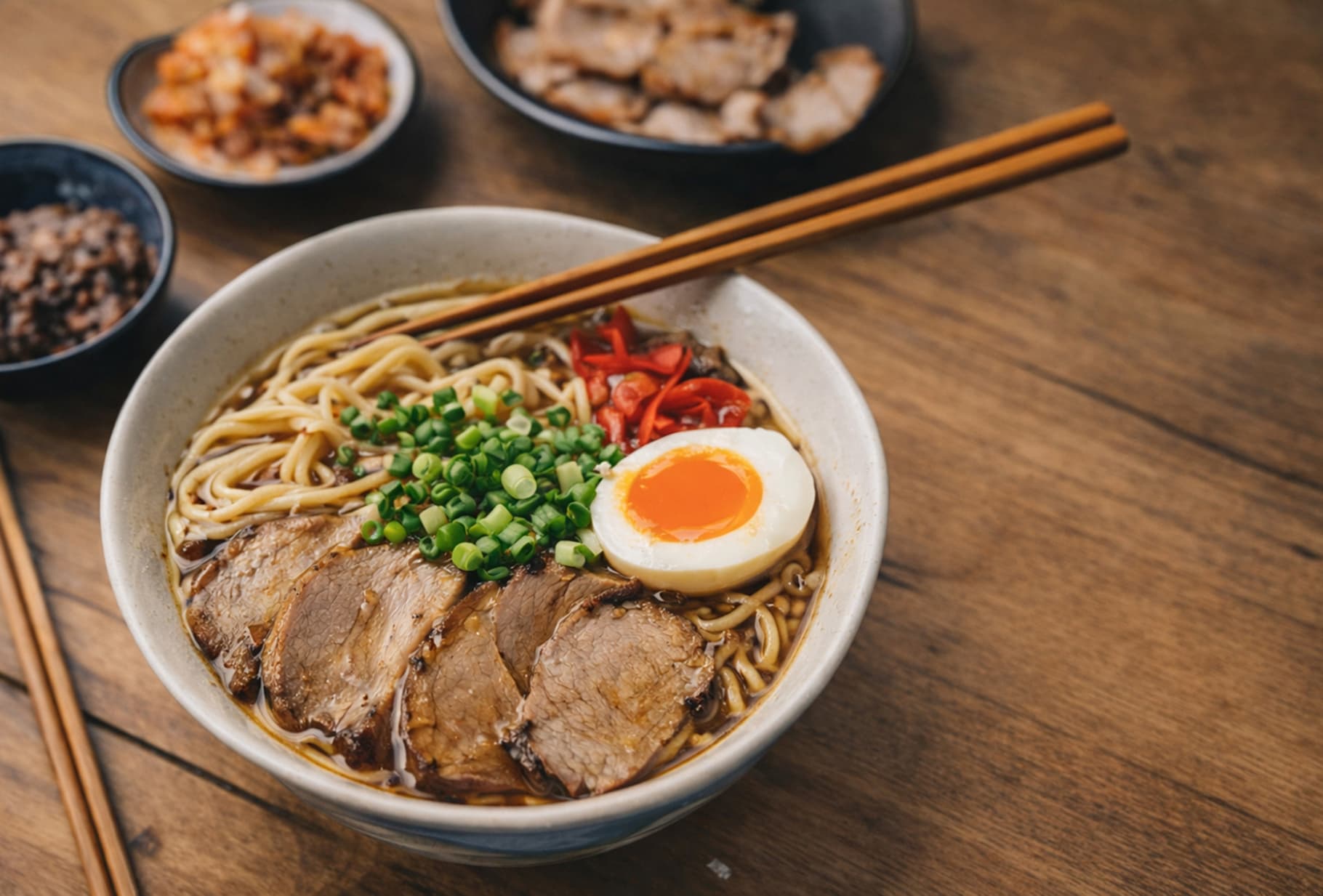
Before / After
Detail, texture aur file-size balance dekhne ka ek quick visual check. Is example mein size 85% kam hua hai.
FAQ
JPEG sabse widely accepted image formats me se ek hai. JPEG me convert karne se photos zyada devices, websites aur Instagram ya Shopify jaise platforms par compatibility errors ke bina open ho sakte hain.
JPEG lossy format hai, isliye kuch image data reduce ho sakta hai. ForgeonX high visual fidelity par focus karta hai, taaki everyday use ke liye output clear aur original ke close dikhe.
Aap PNG, WebP, AVIF, JPG aur JPEG jaise common web formats convert kar sakte hain. Upload, sharing, storage ya offline use ke liye traditional JPEG file chahiye ho to yeh useful hai.
Haan. Aap 25 images tak upload karke unhe ek batch me JPEG me convert kar sakte hain. Process ke baad results individually ya collection ke roop me download kar sakte hain.
Haan. ForgeonX images ko secure connection ke through process karta hai aur short period ke baad servers se automatically delete kar deta hai. Hum personal image files store ya share nahi karte.