
Image ko exactly 200KB tak kaise compress karein?
"Target Size" ko on kijiye, KB field me "200" daliye, aur images upload kijiye. ForgeonX best compression ratio automatically calculate karta hai taki output file 200KB limit ke andar rahe.
Kya aapki photos strict limit ke andar chahiye? ForgeonX ek click me images ko 200KB ya usse kam tak compress karne me madad karta hai, quality aur size ko balance karte hue.
Target size
Output file size set kijiye
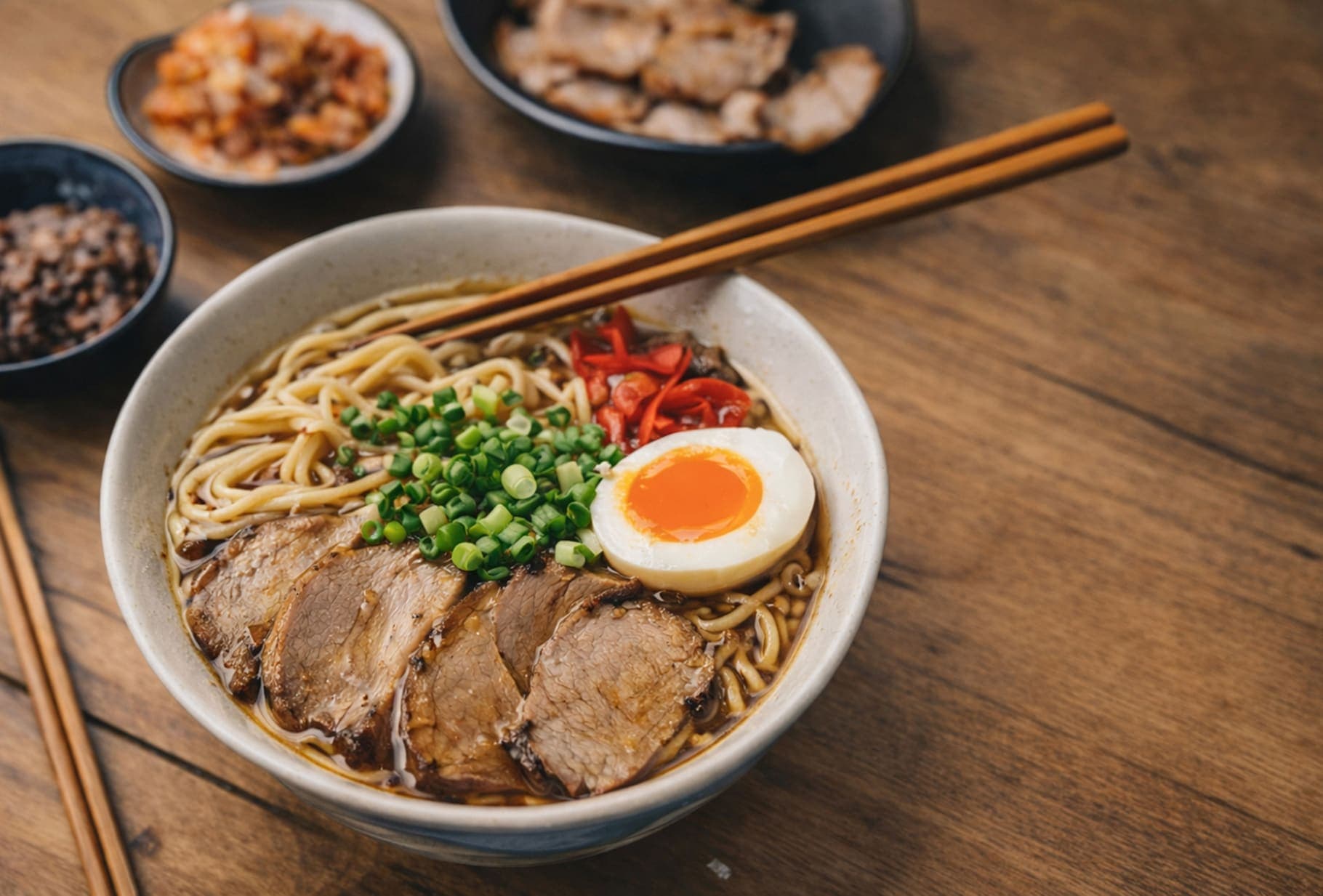
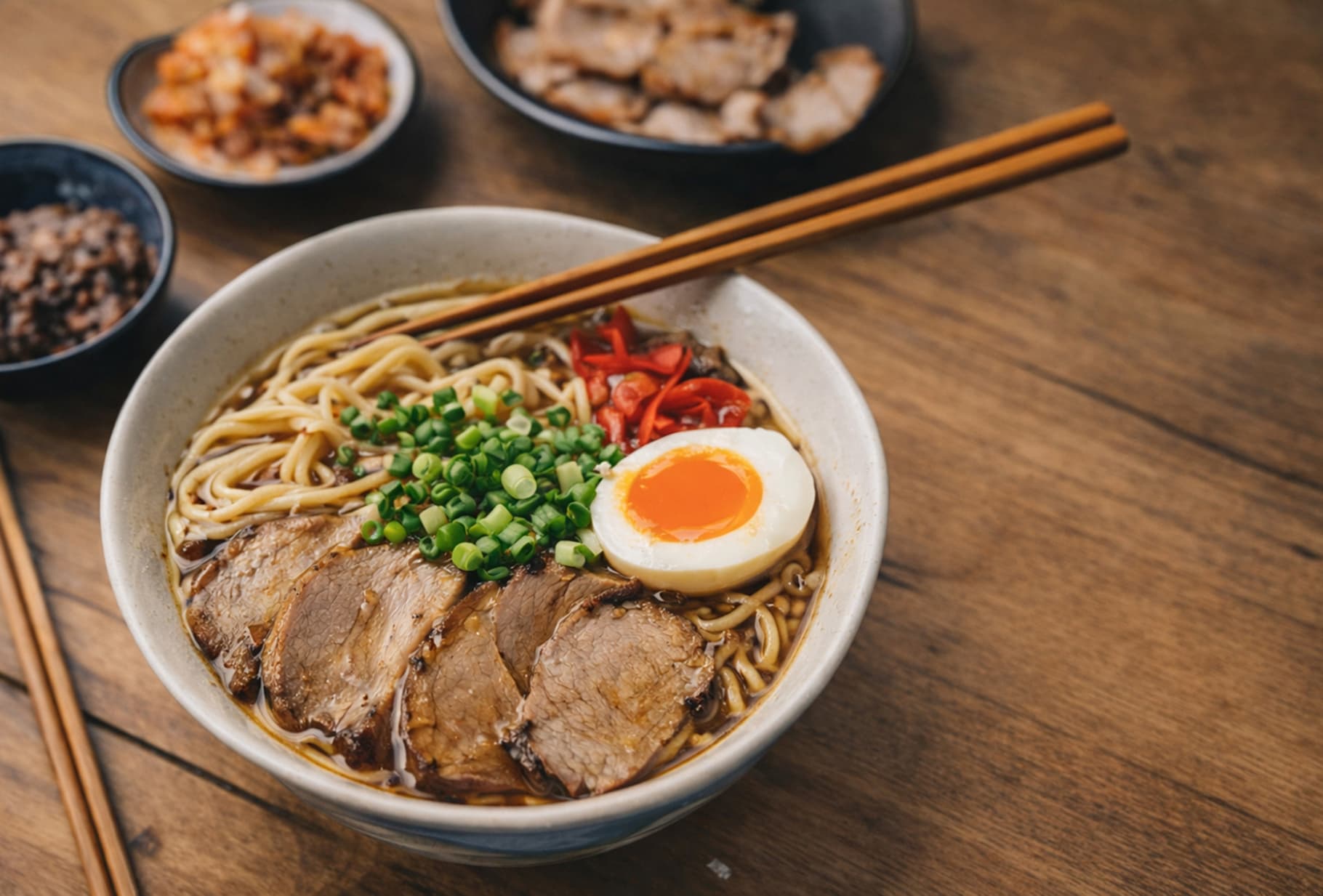
Before / After
Detail, texture aur file-size balance dekhne ka ek quick visual check. Is example mein size 85% kam hua hai.
FAQ
"Target Size" ko on kijiye, KB field me "200" daliye, aur images upload kijiye. ForgeonX best compression ratio automatically calculate karta hai taki output file 200KB limit ke andar rahe.
ForgeonX important areas me clarity ko priority deta hai. Bahut badi file ko 200KB tak lana data reduction maangta hai, lekin algorithm visual artifacts ko kam karke photos ko sharp aur professional rakhta hai.
Haan. Aap ek saath 25 images tak upload kar sakte hain. Har image ko 200KB target ke liye separately process kiya jata hai, isliye har file ko manually adjust karne ki zarurat nahi.
Privacy hamari priority hai. ForgeonX aapki original ya compressed photos ko permanently store nahi karta; sabhi files 12 ghante baad automatically delete ho jati hain.
ForgeonX JPG, PNG, WebP aur AVIF support karta hai. Passport photo, Shopify product image ya form upload ke liye 200KB result prepare kiya ja sakta hai.
Haan. ForgeonX ek batch me kai images ko 200KB target ke liye process karta hai, jo forms, shared files aur strict upload limits ke liye useful hai.