
ForgeonX logo

ForgeonX

Compress website images online

Compress website images for website publishing and faster page loads. Normal compression is enabled by default. Set a target size only when the destination platform requires one.

Target size

Set output file size

Off

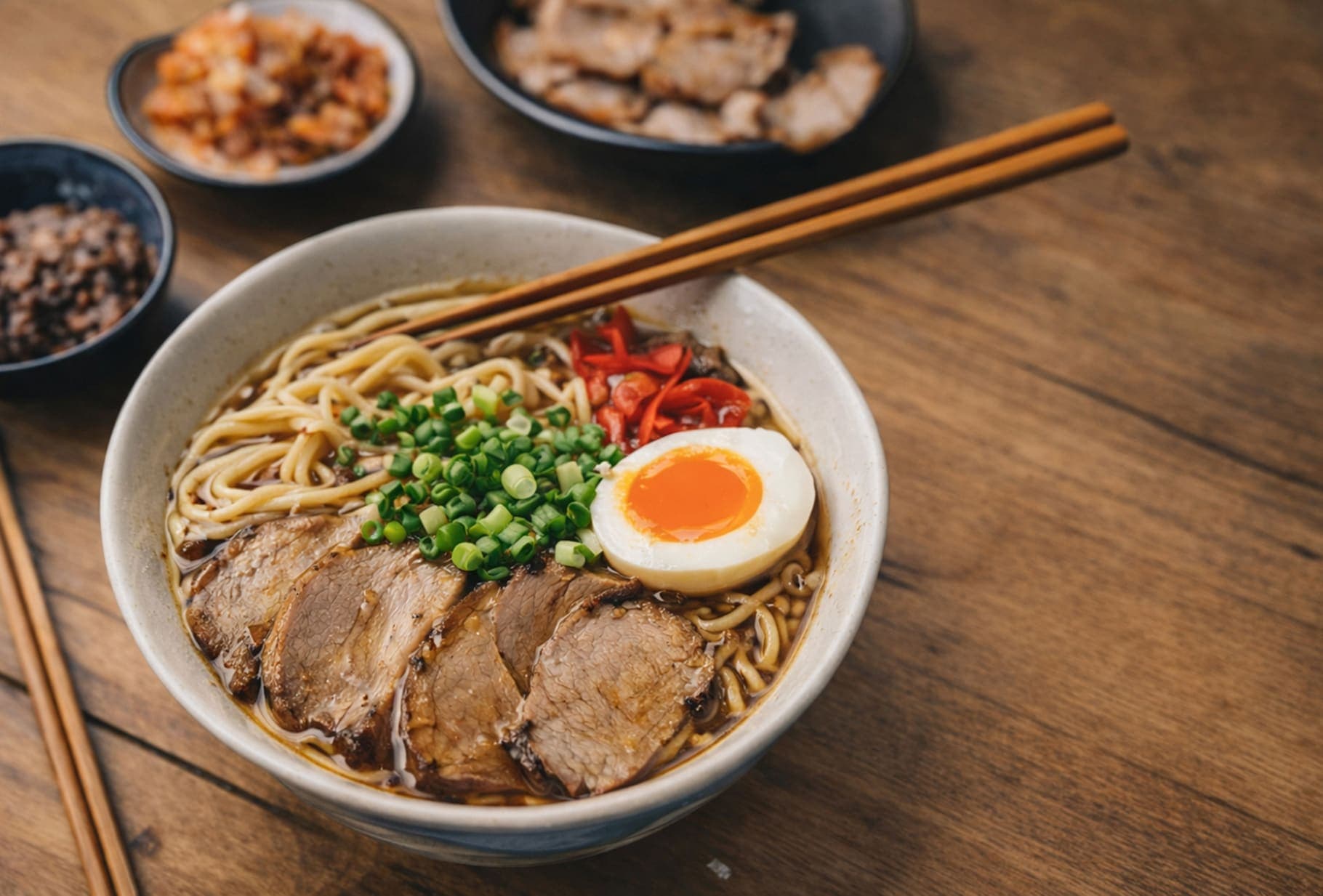
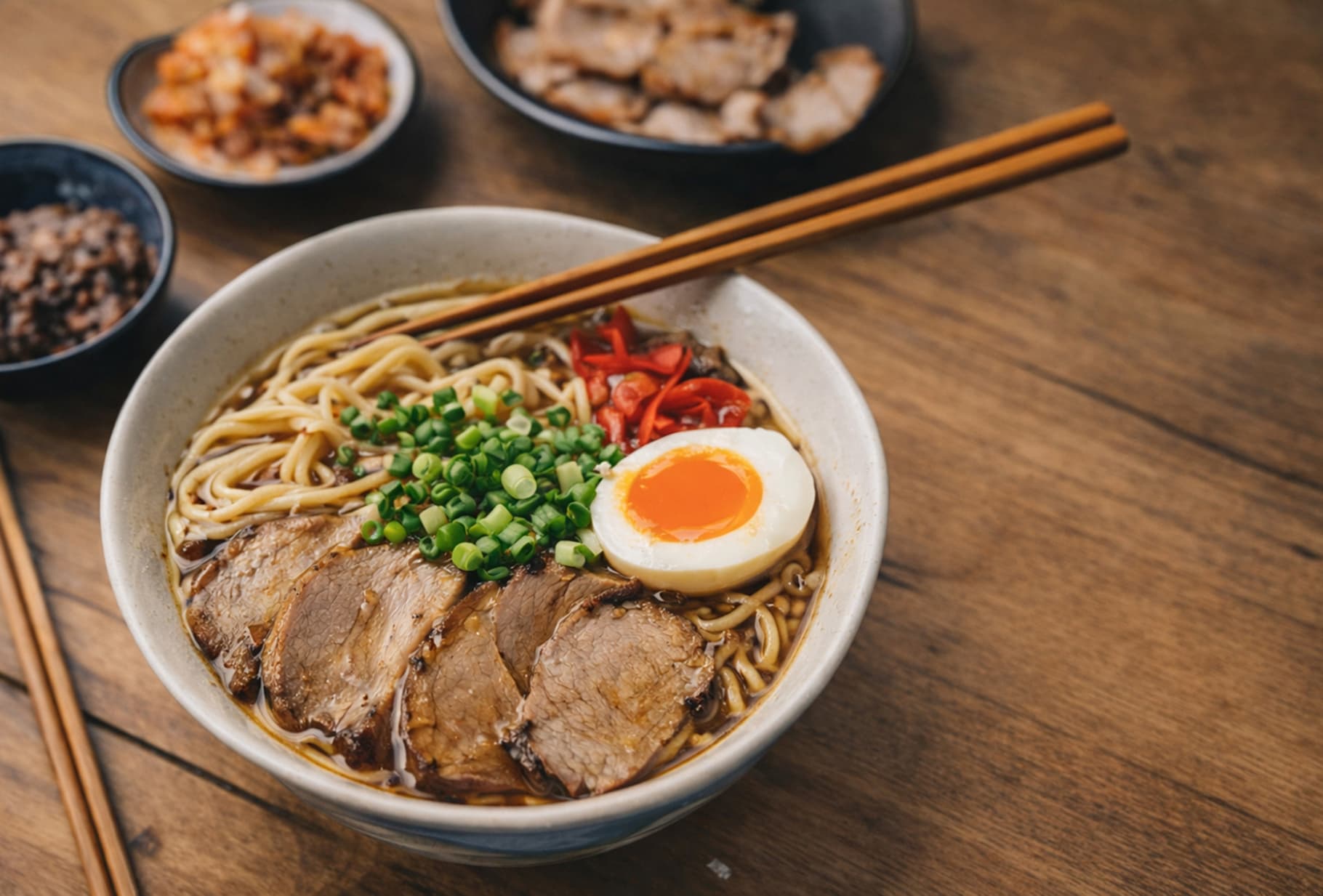
Before / After

Drag to compare the result.

A quick visual check for detail, texture, and file-size tradeoffs. Reduced by 85% in this example.

Before
After
Before
After
Original 1.20 MB
Compressed 188 KB

FAQ

How can I compress website images online?

Upload website images and start compression in the browser. This page uses normal compression by default, with target size available only when you need a specific limit.

Do website images need a fixed target size?

Not usually. Many website publishing and faster page loads tasks only need a lighter file. Use a fixed target size only when the destination platform publishes a specific limit.

Which image formats work best for website images?

ForgeonX supports JPG, JPEG, PNG, WebP, and AVIF. Keep the original format unless the receiving platform asks for a specific format.

Is my image data kept private?

Uploaded images are used only for compression and are scheduled for deletion within 12 hours. ForgeonX does not keep them as a long-term media library.

Can I compress multiple files for website publishing and faster page loads?

Yes. ForgeonX supports batch compression, so you can prepare multiple files for website publishing and faster page loads in one session.