
Compress image to 20KB

Need your photos under a strict limit? ForgeonX helps you compress images to 20KB or less with a single click. Simply upload your files, and our intelligent engine will balance quality and size to hit your target perfectly.

Target size

Set output file size

On

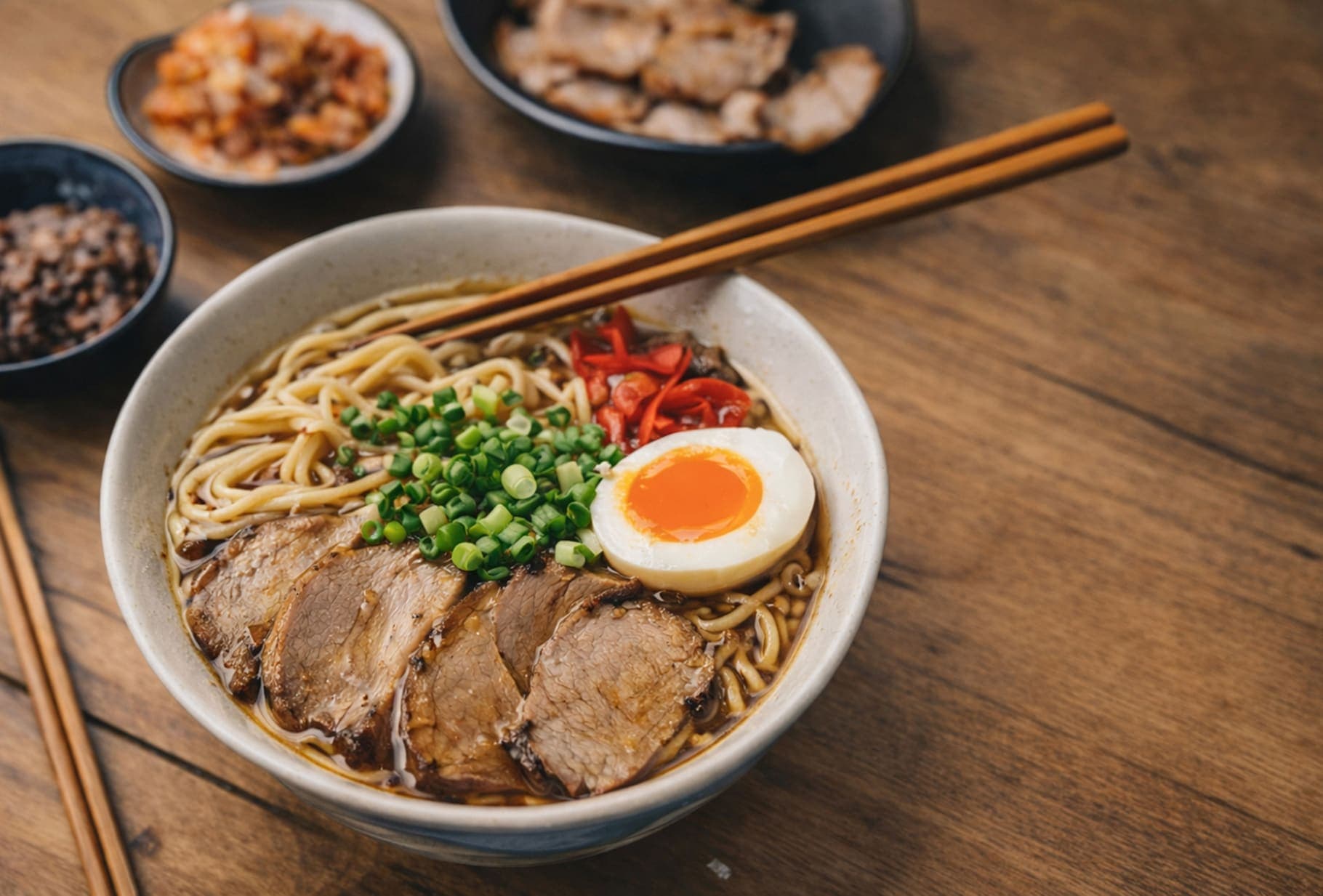
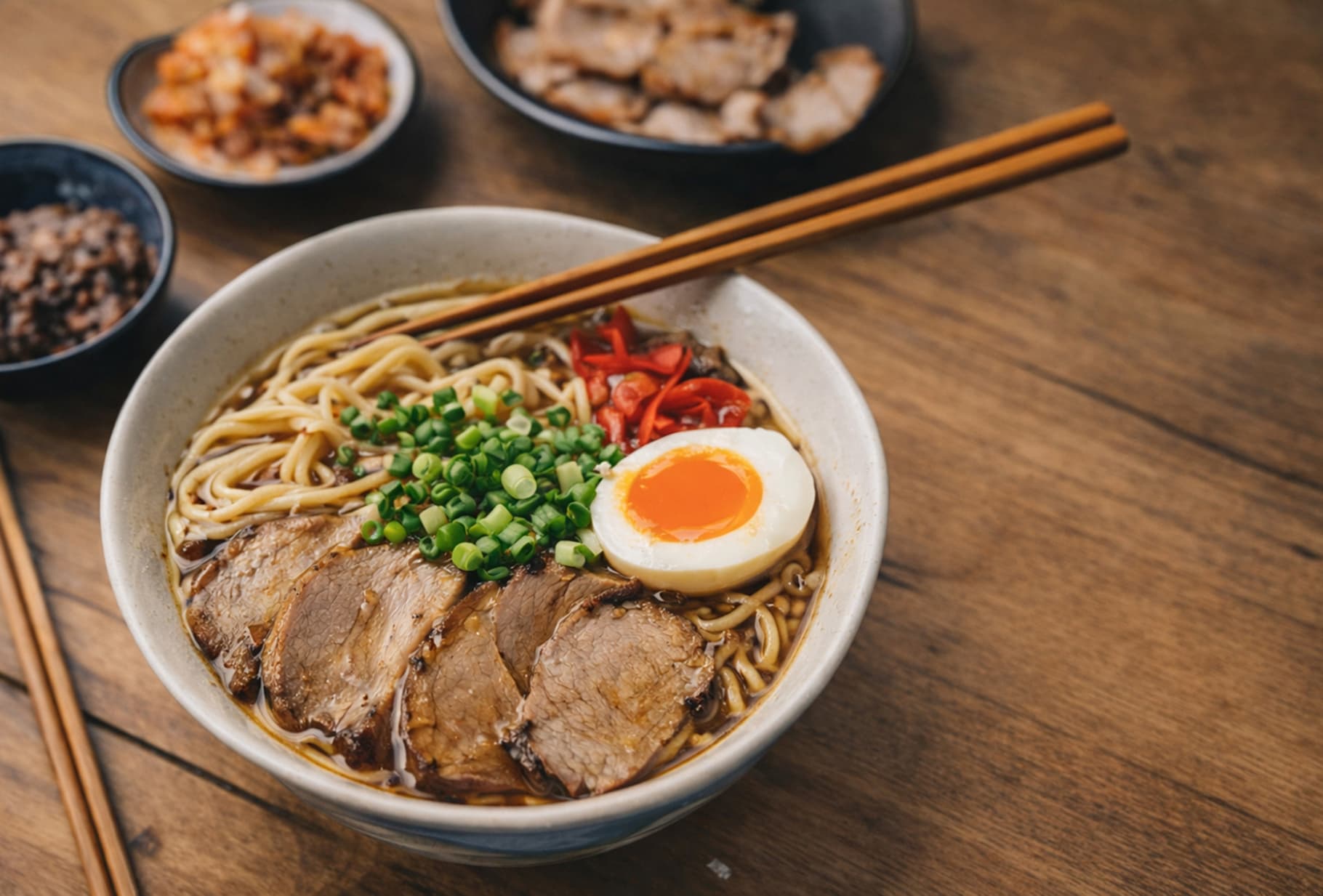
Before / After

Drag to compare the result.

A quick visual check for detail, texture, and file-size tradeoffs. Reduced by 85% in this example.

Before
After
Before
After
Original 1.20 MB
Compressed 188 KB

FAQ

How do I compress an image to exactly 20KB?

It's easy with ForgeonX. Just toggle the "Target Size" switch to "On," enter "20" in the KB input field, and upload your images. Our tool will automatically calculate the best compression ratio to ensure your output file stays within the 20KB limit.

Will my image look blurry if I force it to 20KB?

ForgeonX uses perceptual encoding to prioritize clarity in the areas that matter most. While forcing a very large file into a 20KB limit involves data reduction, our algorithm minimizes visual artifacts, keeping your photos looking professional and sharp.

Can I batch compress multiple images to 20KB at once?

Yes! You can upload up to 25 images simultaneously. Each image will be processed individually to meet the 20KB target, saving you the time of adjusting settings for every single file.

Are my images safe when I use ForgeonX?

Your privacy is our top priority. All image processing on ForgeonX is highly secure-we do not store your original or compressed photos on our servers permanently. All files are automatically deleted after 12 Hours, ensuring that your data remains private and protected at all times.

Which formats are supported for the 20KB compression?

We support all major web formats, including JPG, PNG, WebP, and AVIF. Whether you are preparing a passport photo or a Shopify product image, ForgeonX ensures your 20KB result is compatible with any platform.