
ForgeonX logo

ForgeonX

Compress image to 1 MB for sharing and web publishing.

Reduce image size toward 1 MB when you want lighter blog visuals, shareable files, and upload-friendly images without over-compressing them.

Target size

Set output file size

Before / After

Drag to compare the result.

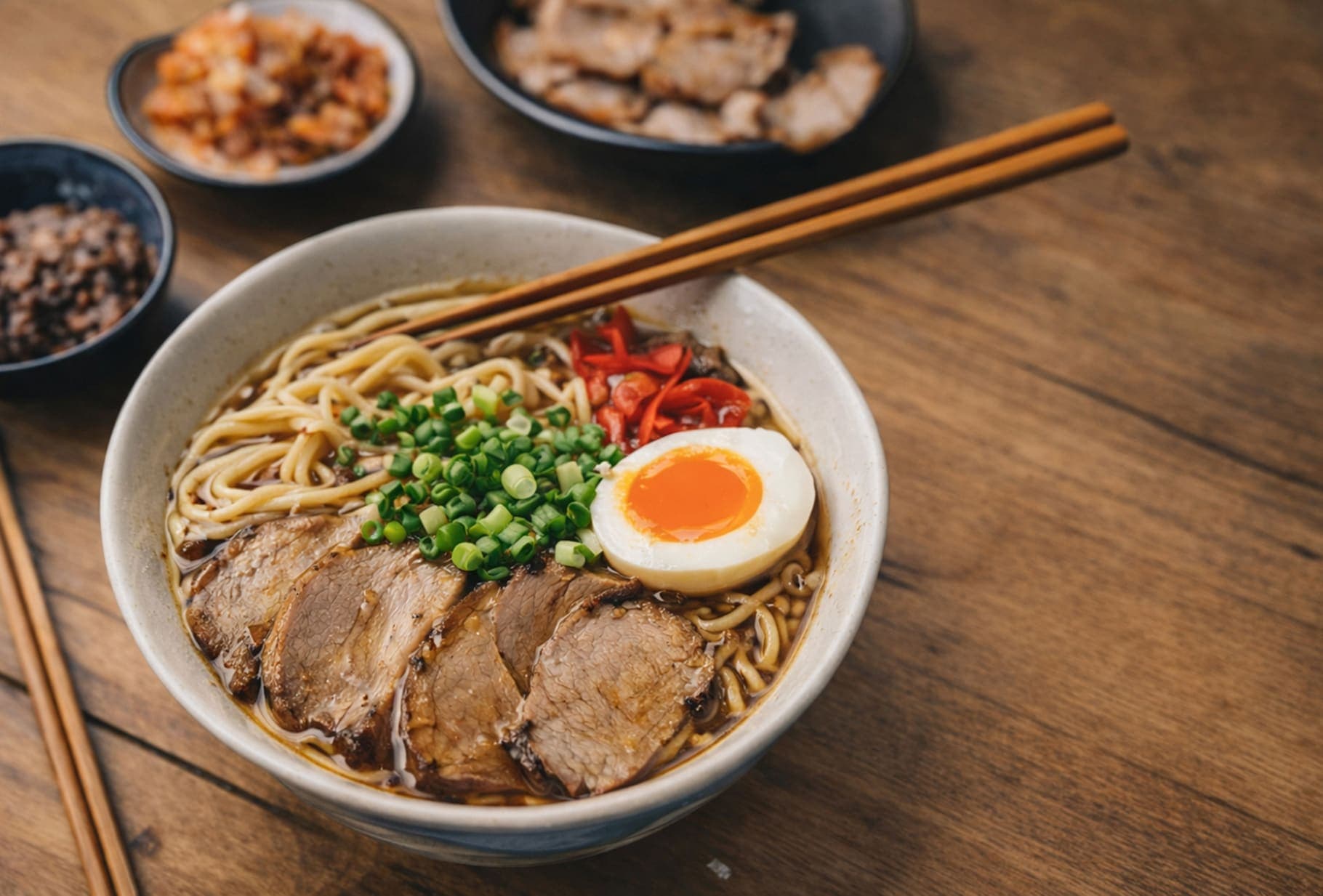
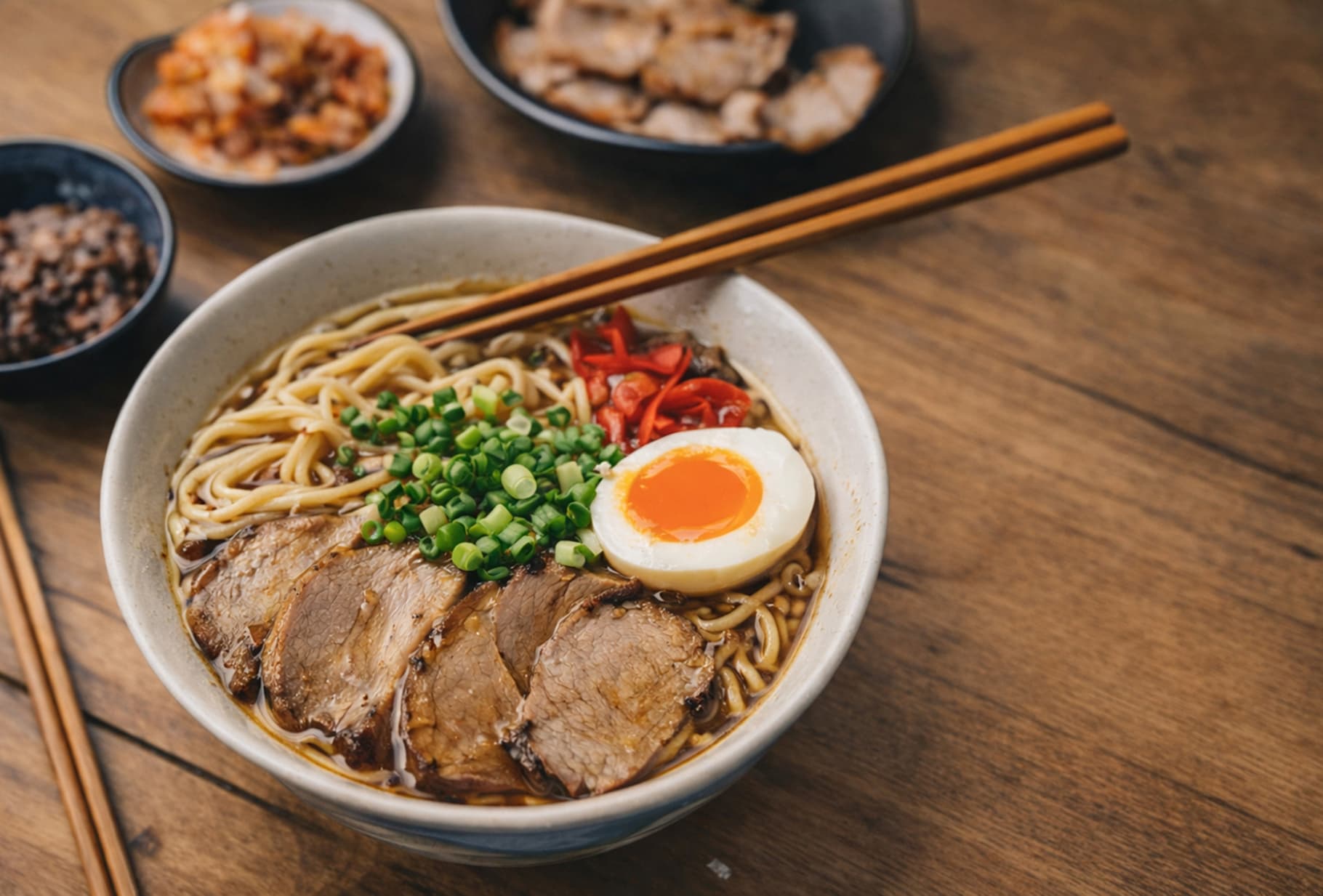
A quick visual check for detail, texture, and file-size tradeoffs. Reduced by 85% in this example.

Before
After
Before
After
Original 1.20 MB
Compressed 188 KB

FAQ

How can I compress an image to 1 MB?

If you need to compress an image to 1 MB, ForgeonX lets you set a target size in KB or MB and will try to keep the final output close to that range.

How can I compress an ID photo to 1 MB?

If your ID photo is too large, you can set ForgeonX to 1 MB and let it reduce the image size for uploads, forms, and photo requirements without repeating the process by hand.

What should I do if a form requires an image smaller than 1 MB?

Upload the image, set the target to 1 MB, and let ForgeonX try to bring the final file close to that requirement. This is useful for application forms, registrations, and document uploads with strict image size limits.

What image formats can I compress to 1 MB?

You can compress JPG, JPEG, PNG, WebP, and AVIF images to 1 MB with ForgeonX. This makes it easier to meet upload limits while keeping the format that best fits your workflow.

Is my image data kept private?

Uploaded images are used only for compression and are scheduled for permanent deletion after 12 hours. ForgeonX does not keep them as a long-term media library.

Can I batch compress images to 1 MB?

Yes. ForgeonX can batch compress multiple images to 1 MB, which makes it much faster to prepare uploads, forms, and shared files without adjusting each image one by one.